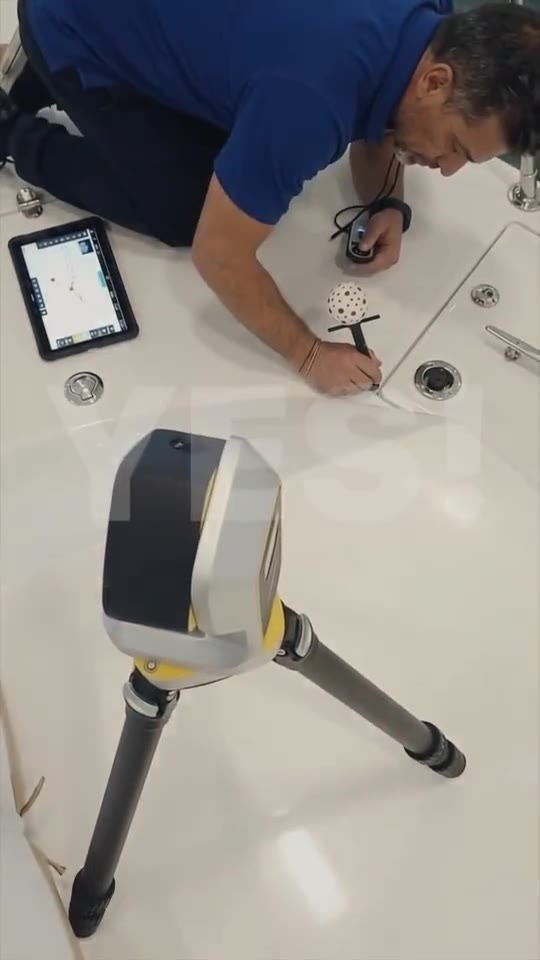
Decking
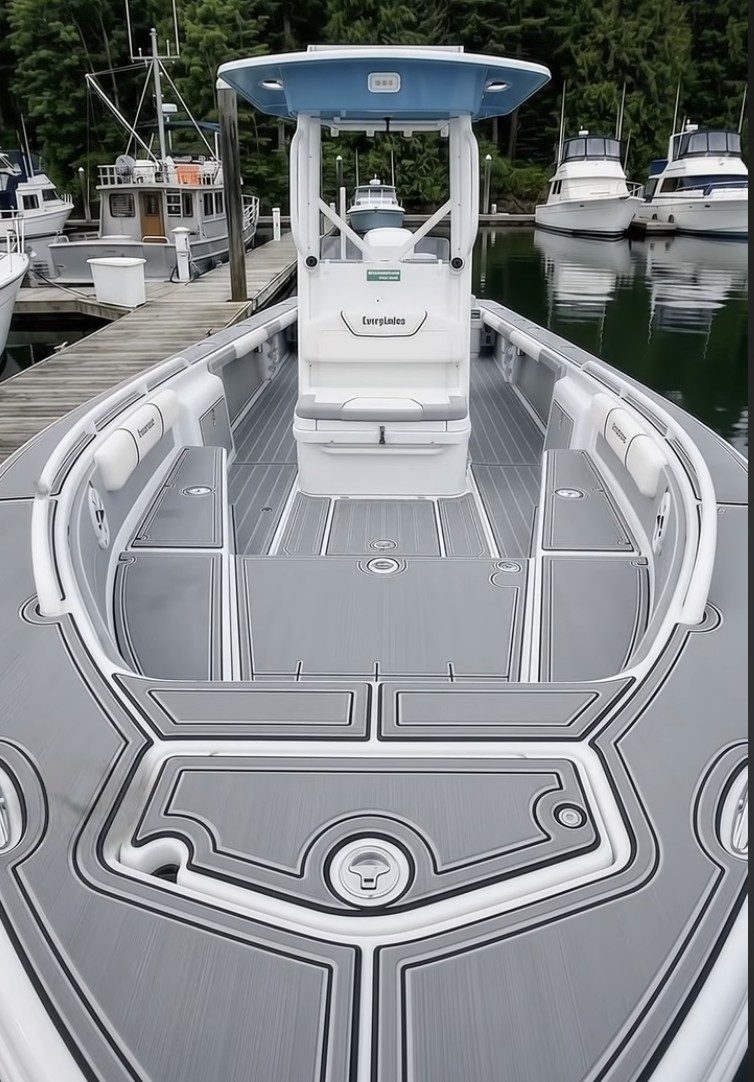
- Pad edges against the gunwale and non-skid
- Panel breaks agreed with the owner
- Every drain, fill, cleat and hatch
- A flat 2D DXF per deck area
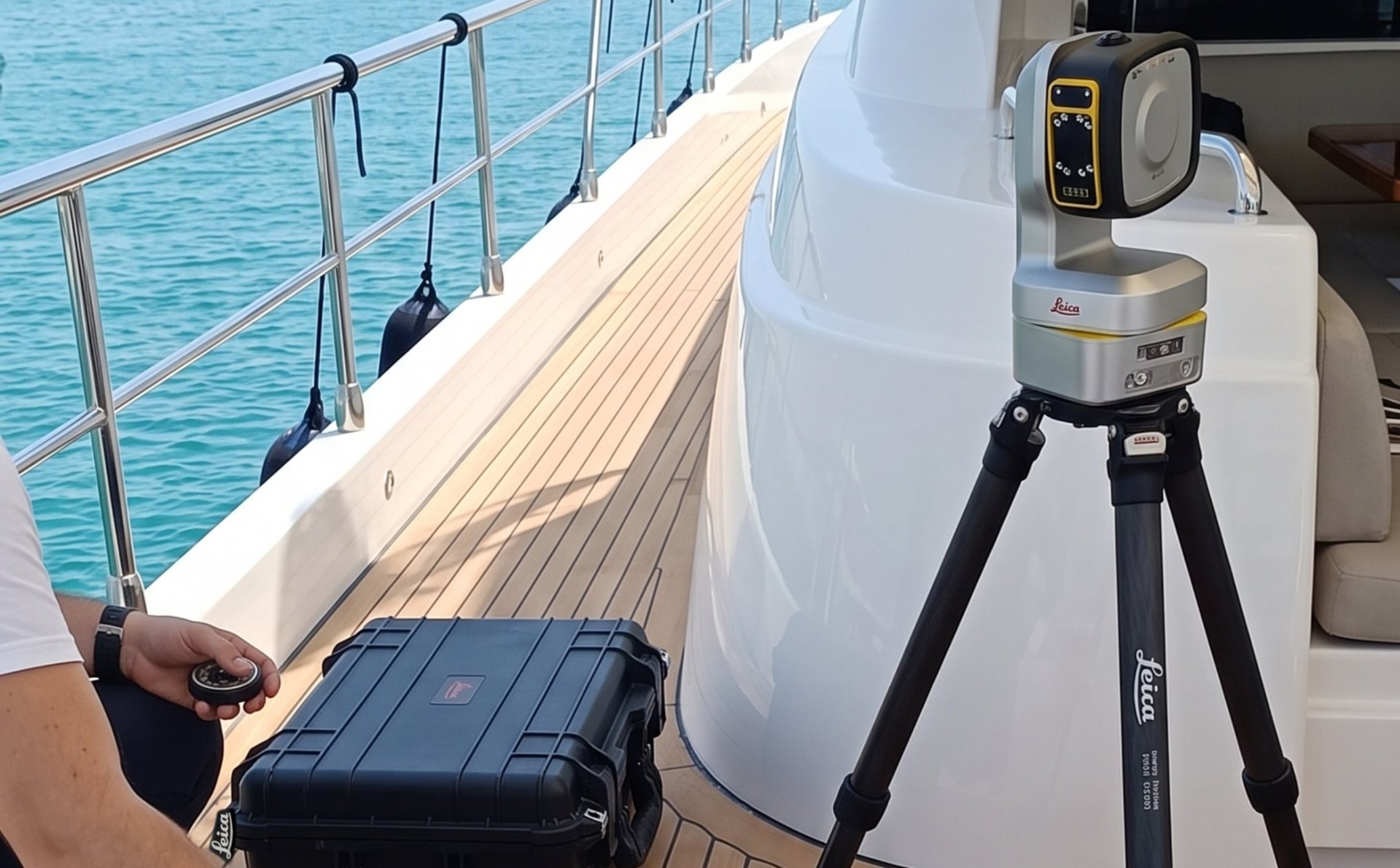
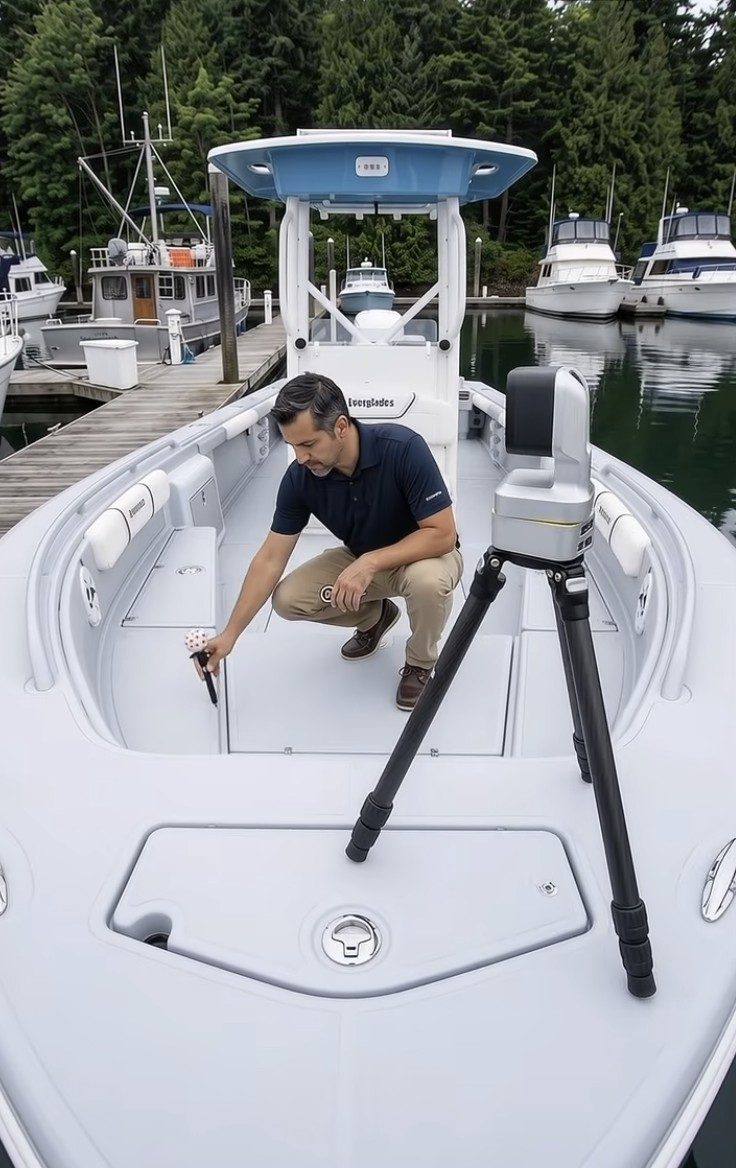
Decking, canvas and upholstery with no wire from a box to the pen. On the trailer, on the hard or in the water.
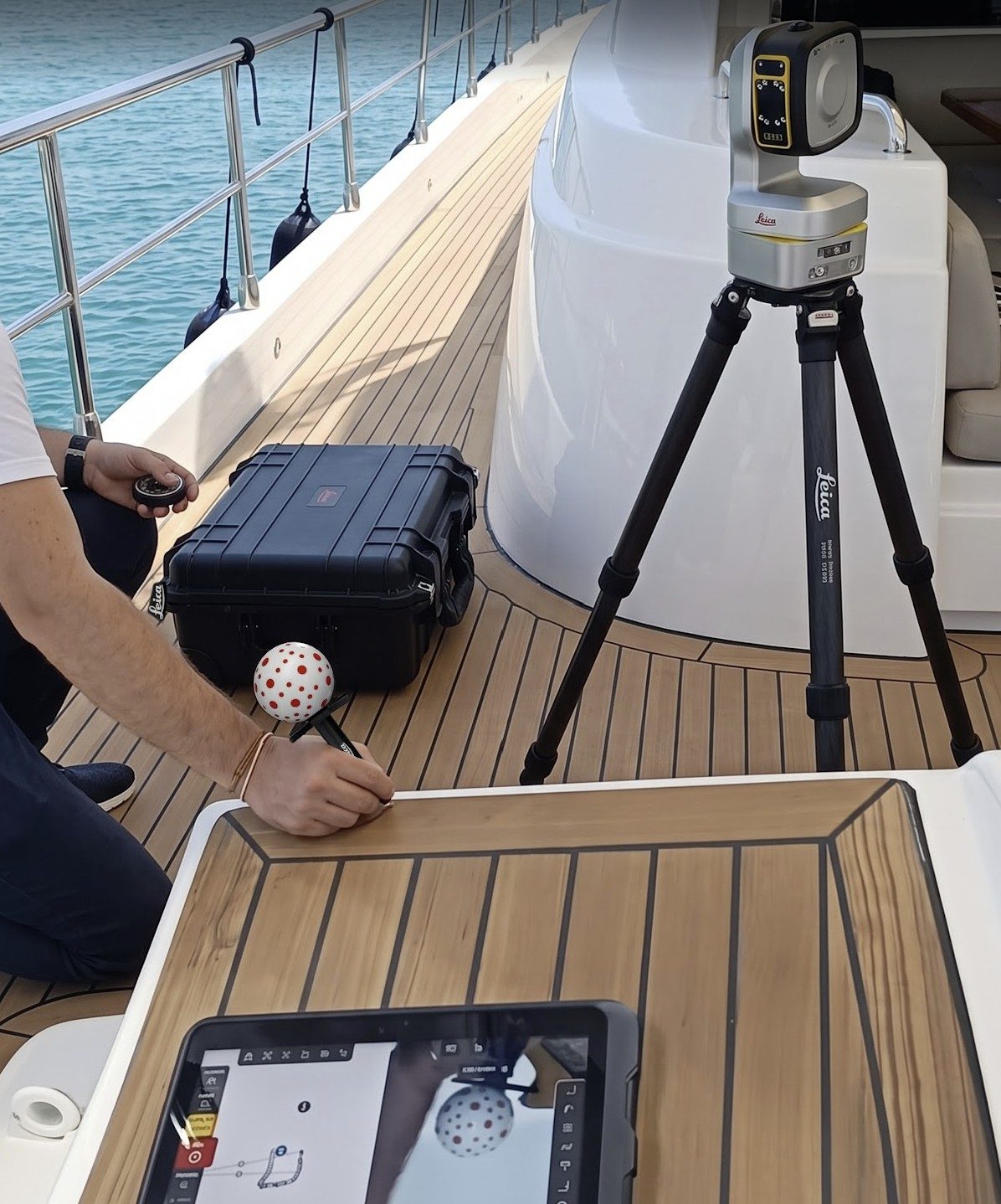
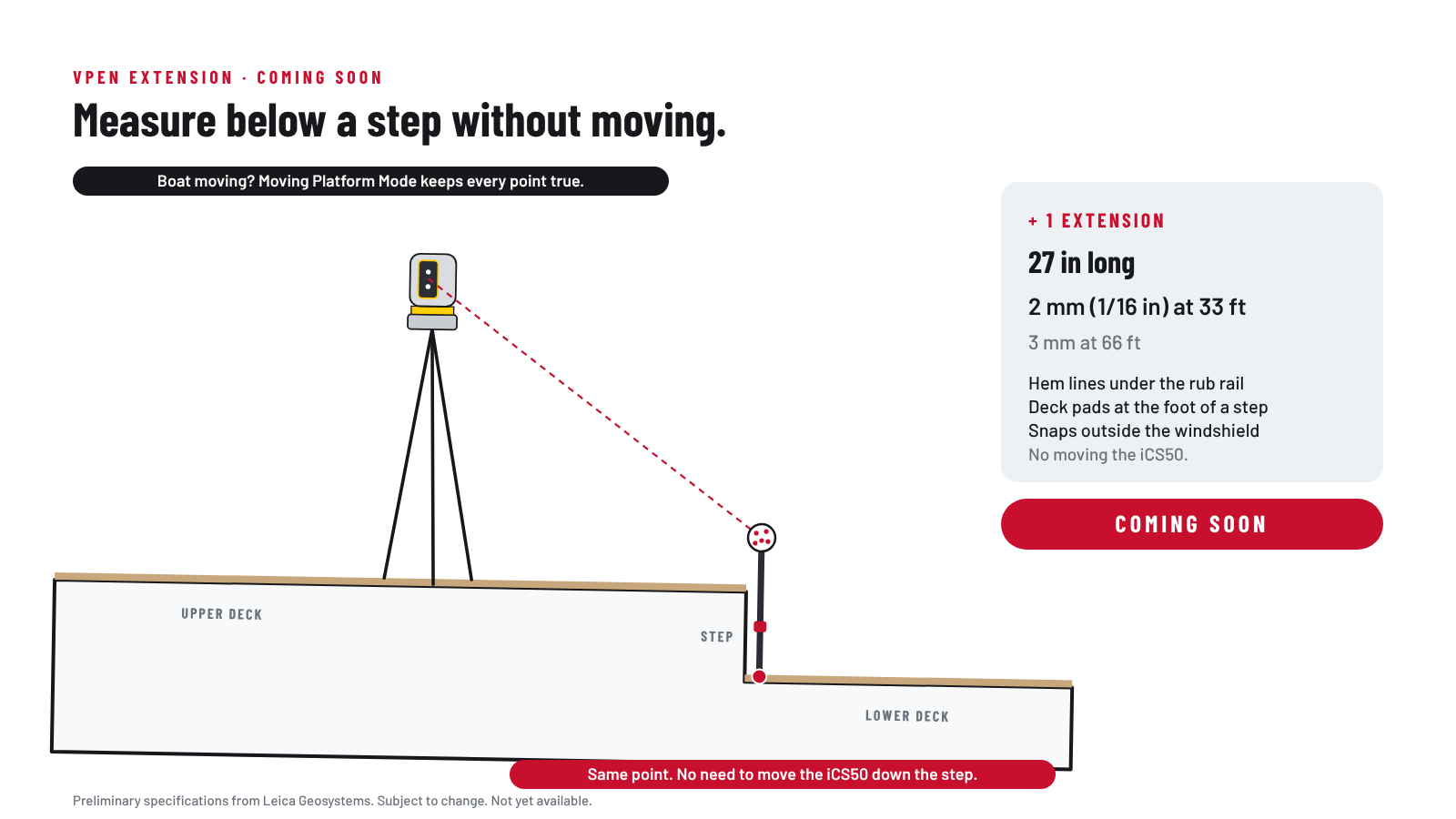
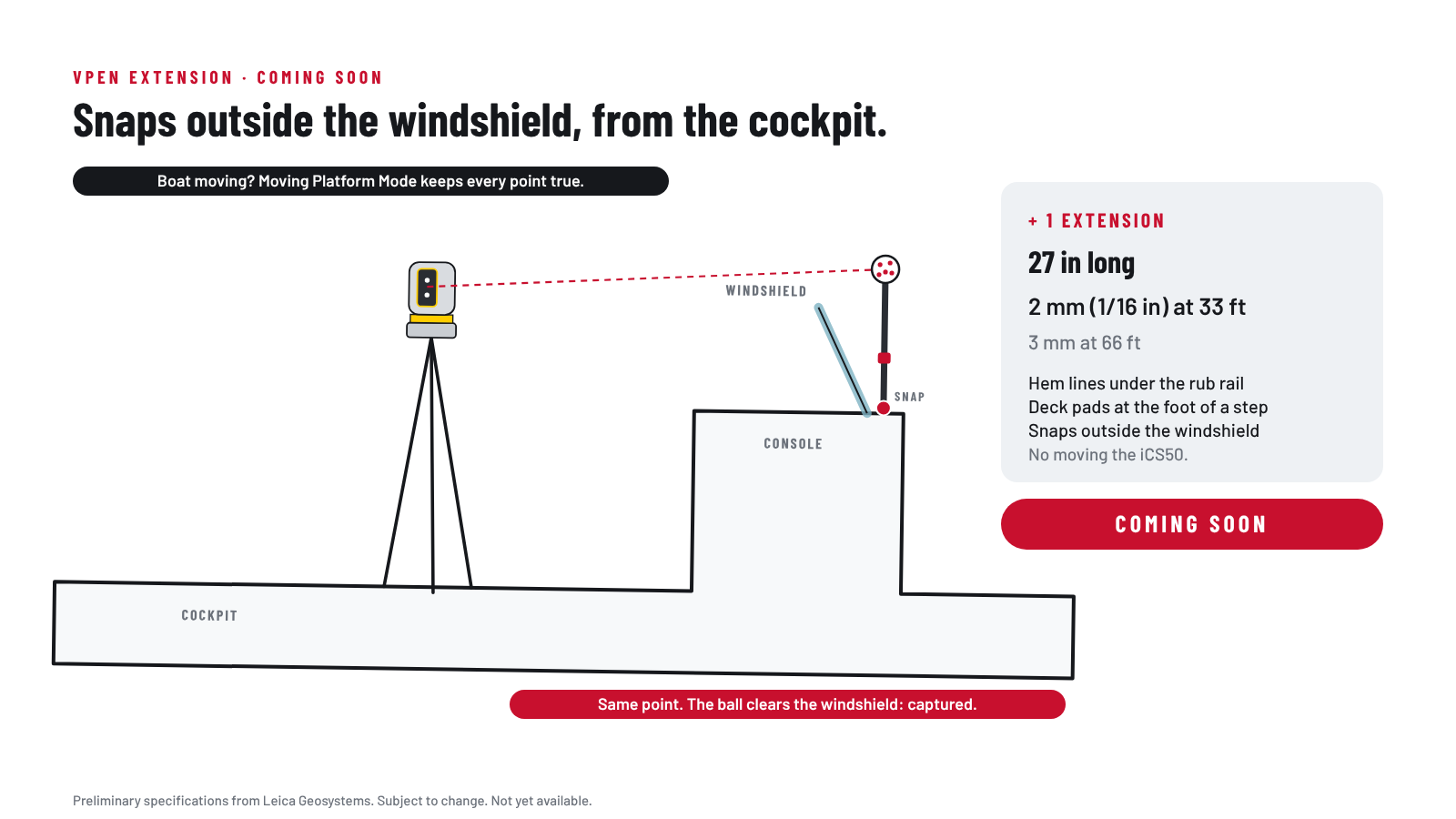
The templater touches the VPen tip to the edge and the iCS50 head follows the ball. As long as the ball is in view, the tip can be out of sight: under a coaming lip, behind a console, down in a cove.
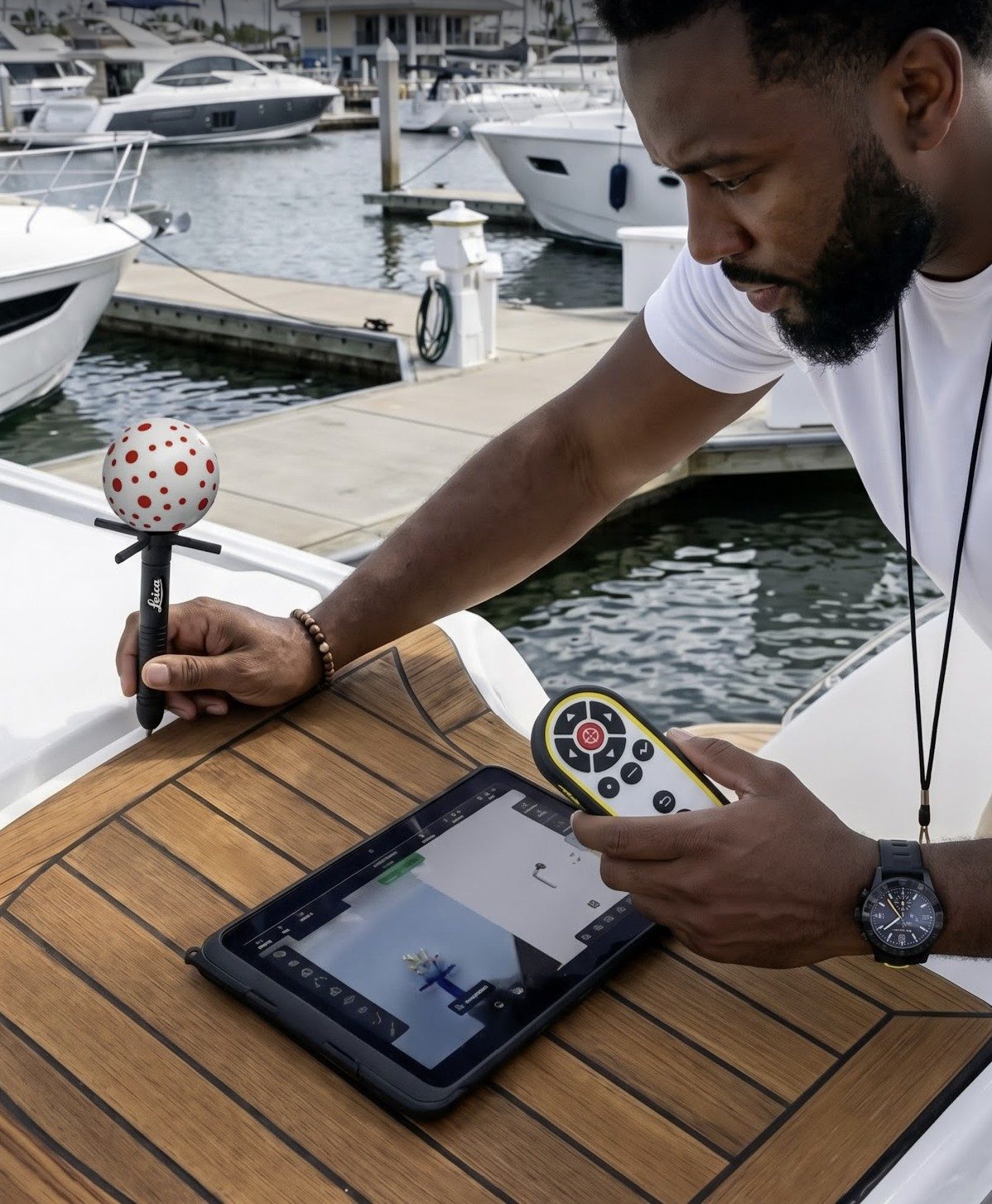
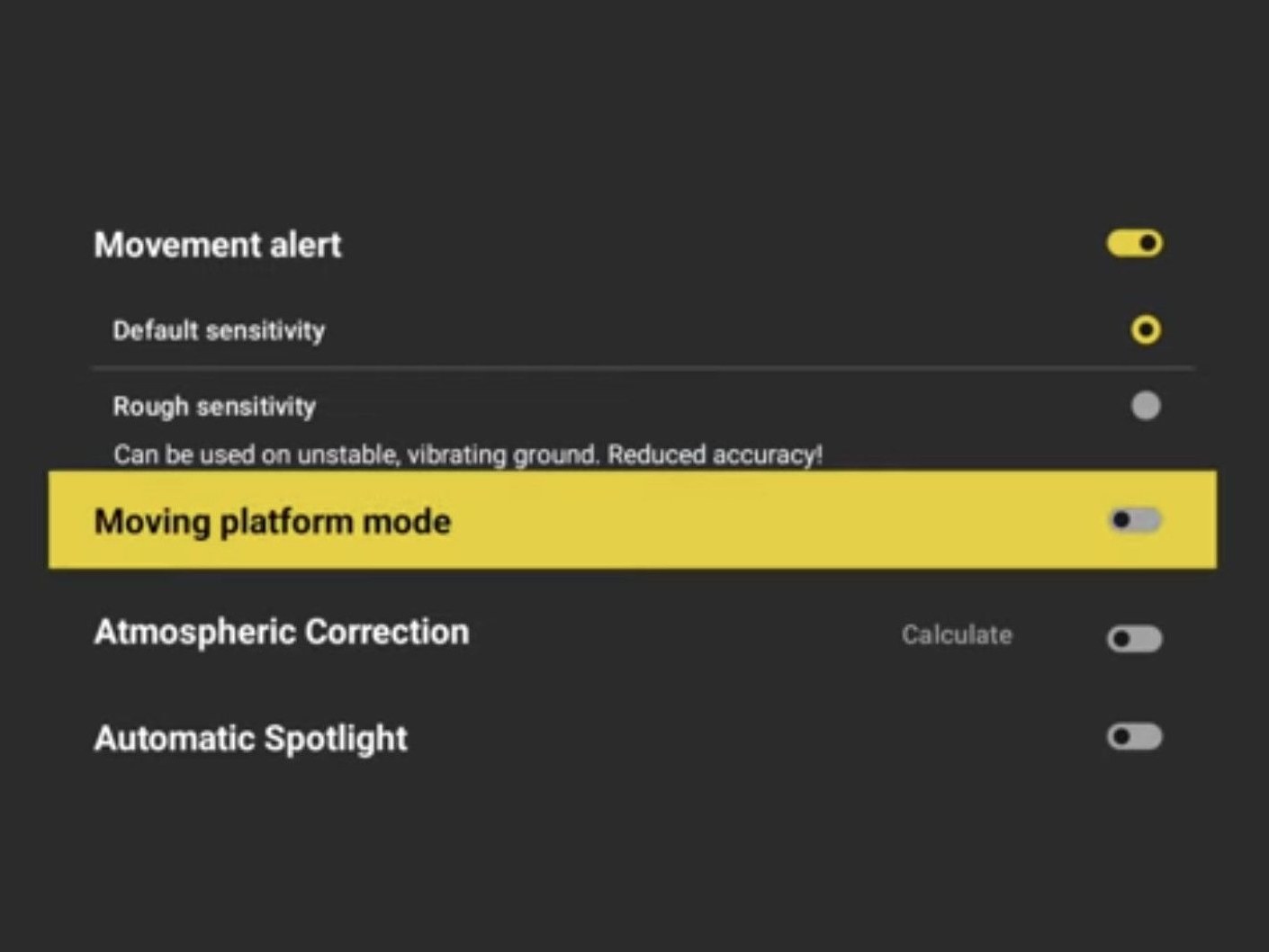
With Moving Platform Mode the iCS50 sits on the boat and moves with it, on the trailer or in the water.
Most boats are still templated with mylar sheet and a marker, or with a box and a wire to every point. Here is what changes.
| Today | Where it goes wrong | The iCS50 |
|---|---|---|
| A wire from the box to every point | Snags on cleats, rails and consoles | Cordless VPen. The head follows the ball |
| Mylar taped on a curved deck | Wrinkles, lifts in the wind, won't stick when wet | Each deck area its own plane, so each panel comes out flat |
| Four plastic radius templates | Real corners rarely match one | The real radius, on the drawing |
| Fittings marked by eye | Holes in the wrong place | A point on every drain, fill and cleat |
| Rolled, posted, then digitized | Days in the post, a second place for errors | DXF the same day, straight to the cutter |
| A roll in storage | Creased or lost | The file kept by make, model and length |
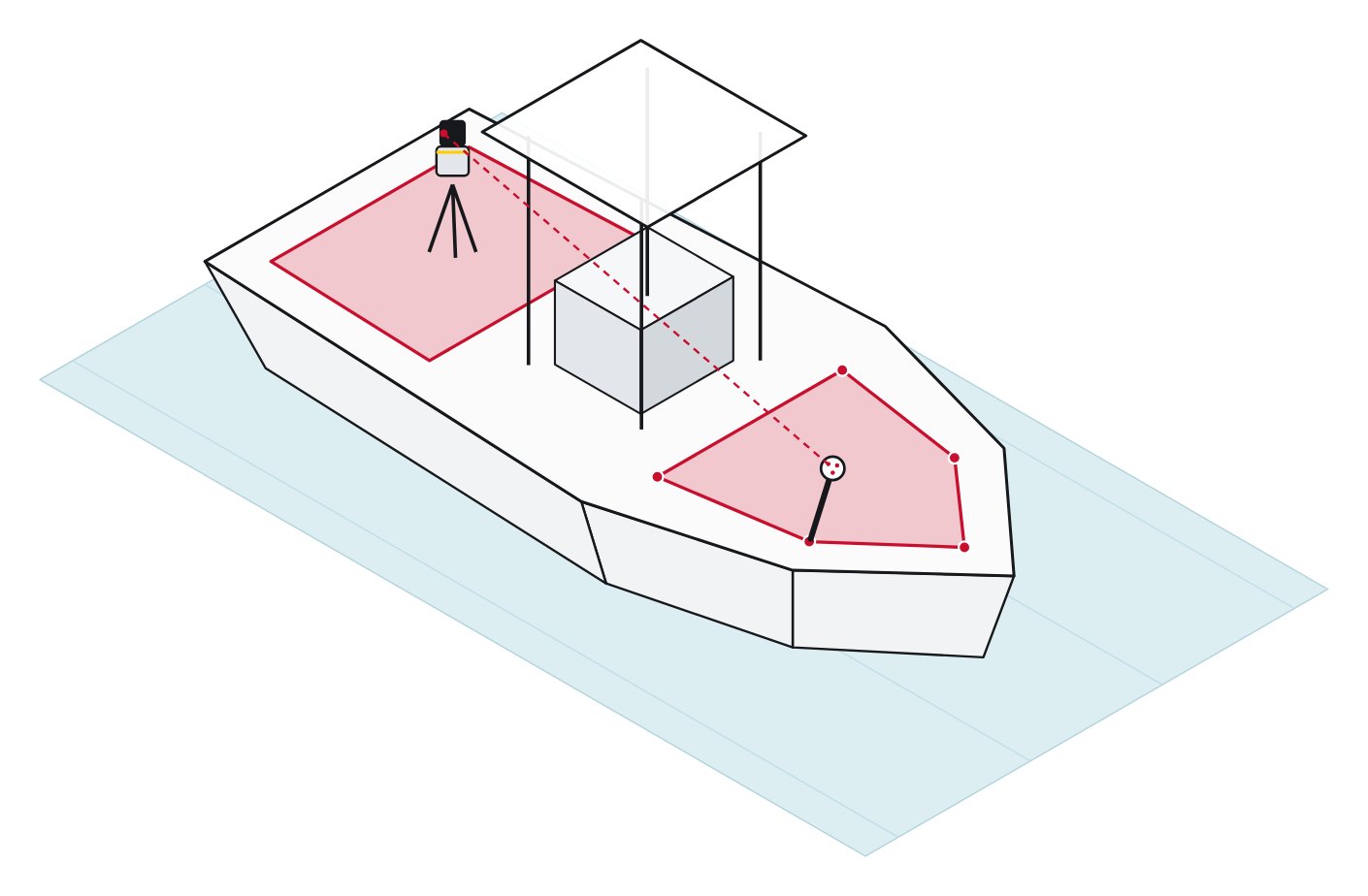
Pad edges, panel breaks and every fitting captured on the boat, cut flat, and installed to fit.
Price and accuracy are on every spec sheet. These are the questions that decide how the day on site actually goes.
| Ask this | The iCS50 |
|---|---|
| Does anything connect the pen to the unit? | No. The VPen is cordless. The head follows the ball. |
| What happens when the console is in the way? | Only the ball needs to be in view. The tip can be out of sight. |
| Can it measure a boat in the water? | Yes. Moving Platform Mode sets up on the boat with no leveling. |
| Does each deck area come out flat for the cutter? | Yes. Each area is its own plane and exports as a flat 2D DXF. |
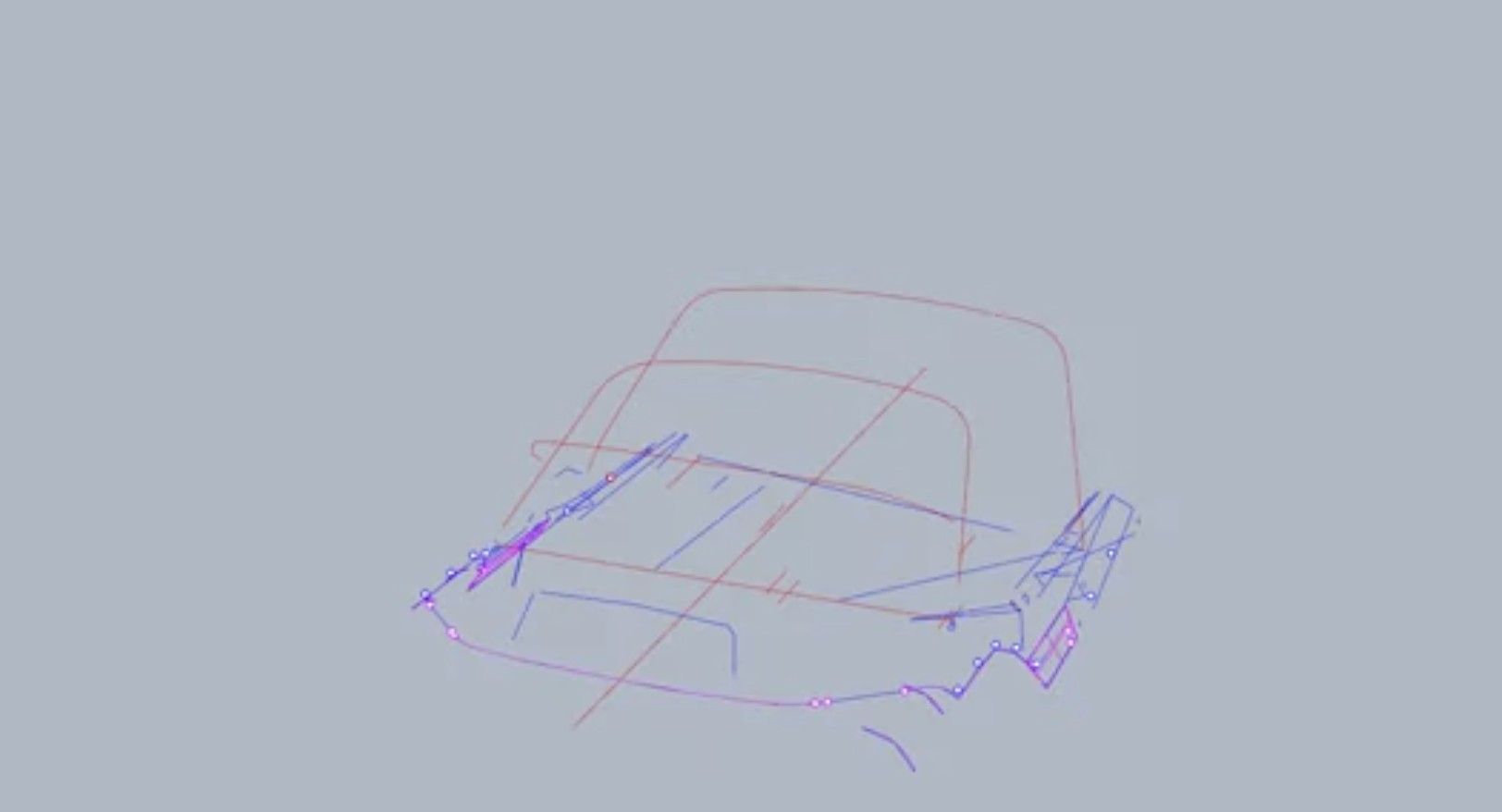
| Can it capture canvas frames in 3D? | Yes. Frame tubes, coaming edges and snaps as a 3D wireframe. |
| What if the unit has to move, or the job runs into tomorrow? | Move the unit and it finds its own V-Targets, then picks up the same drawing. No re-scanning pucks. |
| Who trains the crew? | iCS50 Onboarding Specialists, plus a printed Marine Guide and Workbook. |
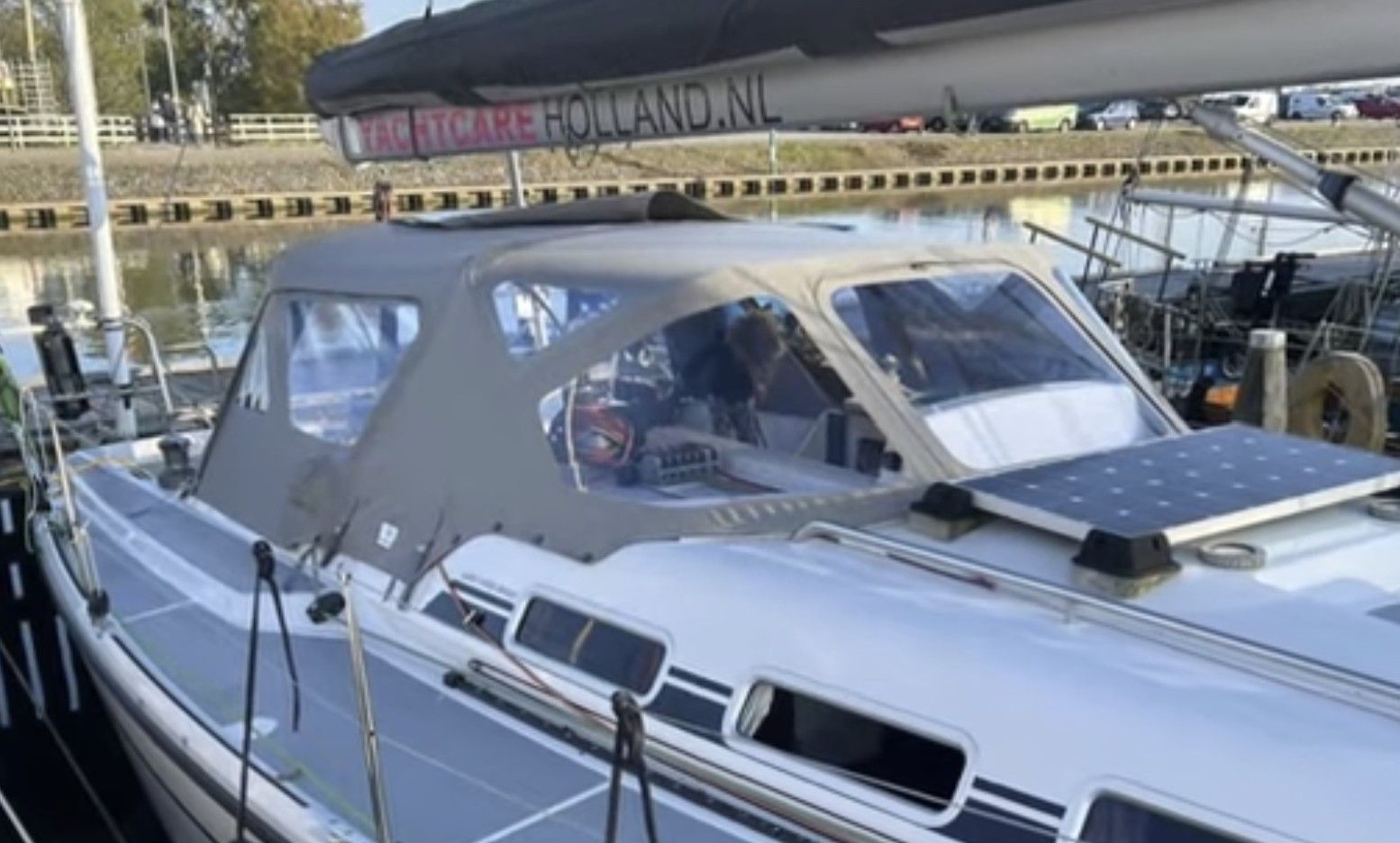
Every boat is different, and no boat is square. One unit for every job the shop takes on.
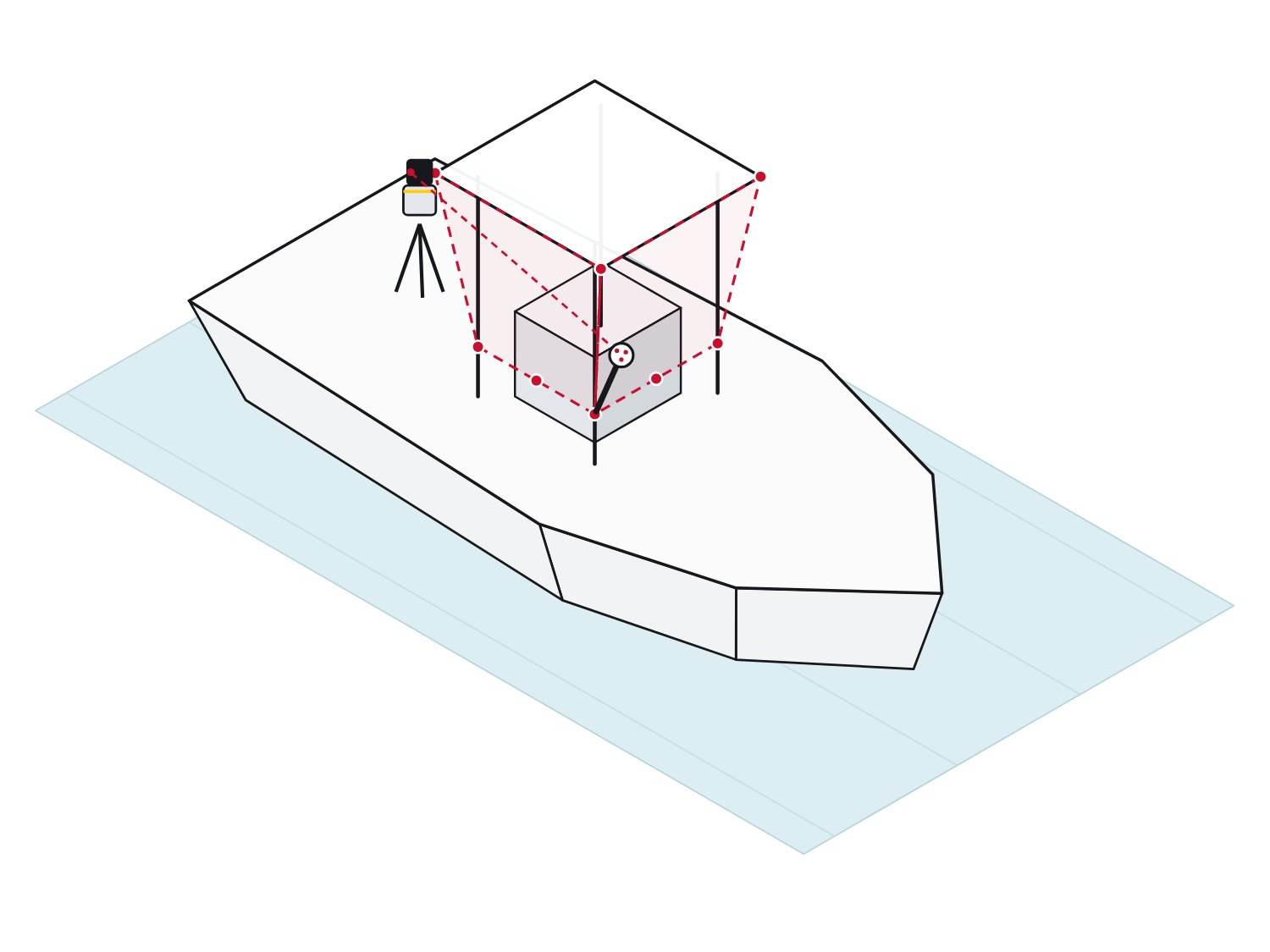
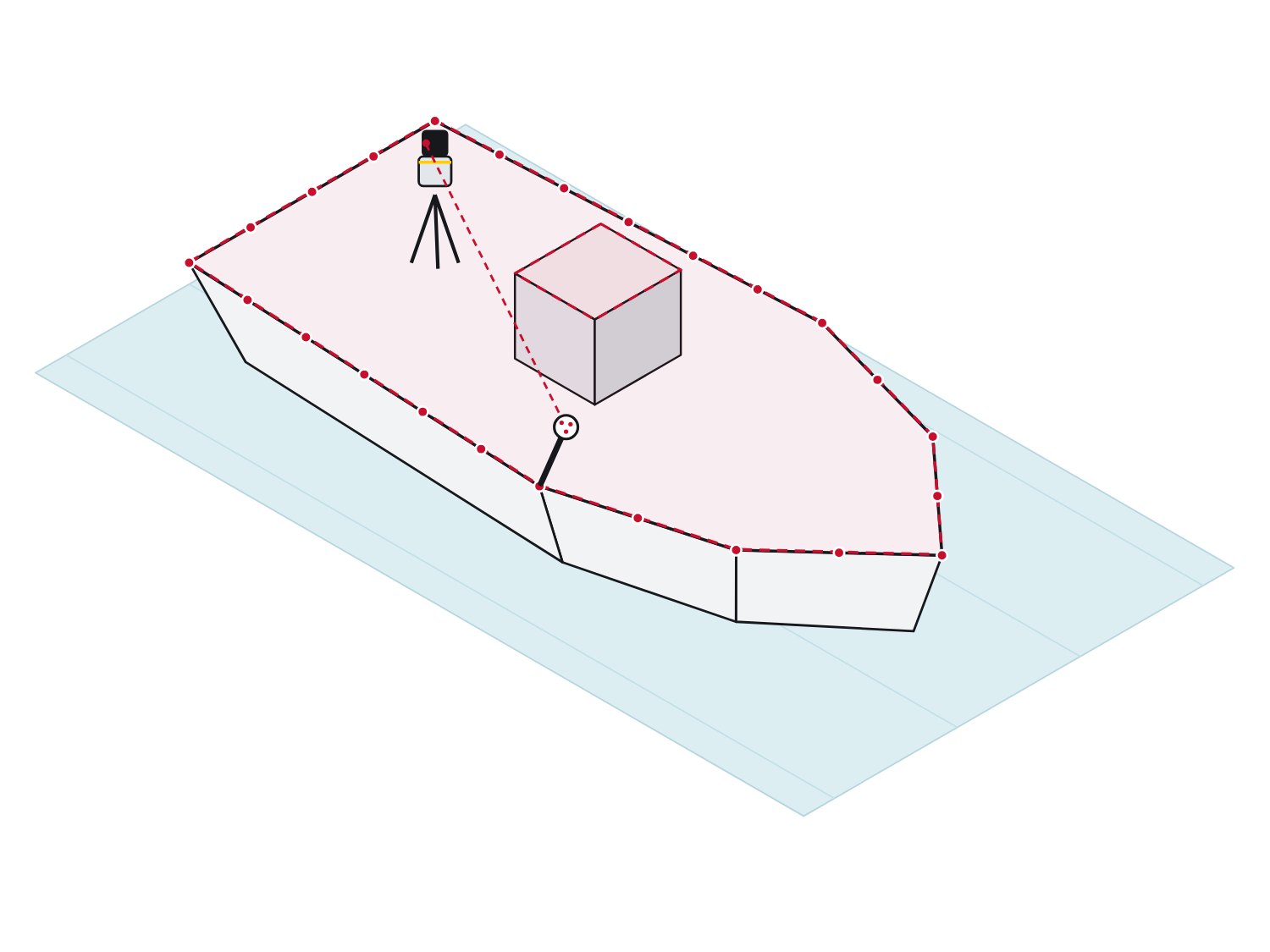
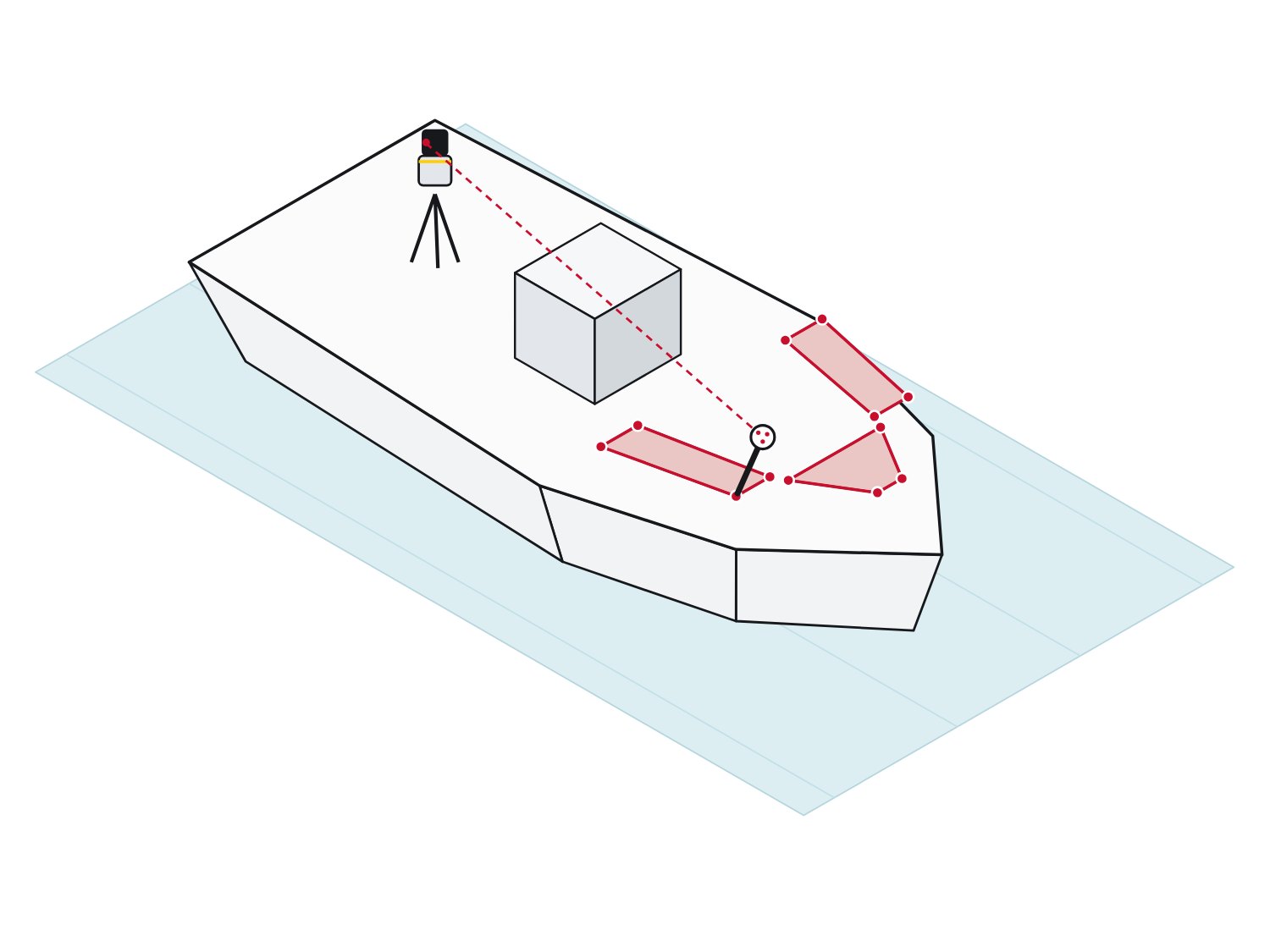
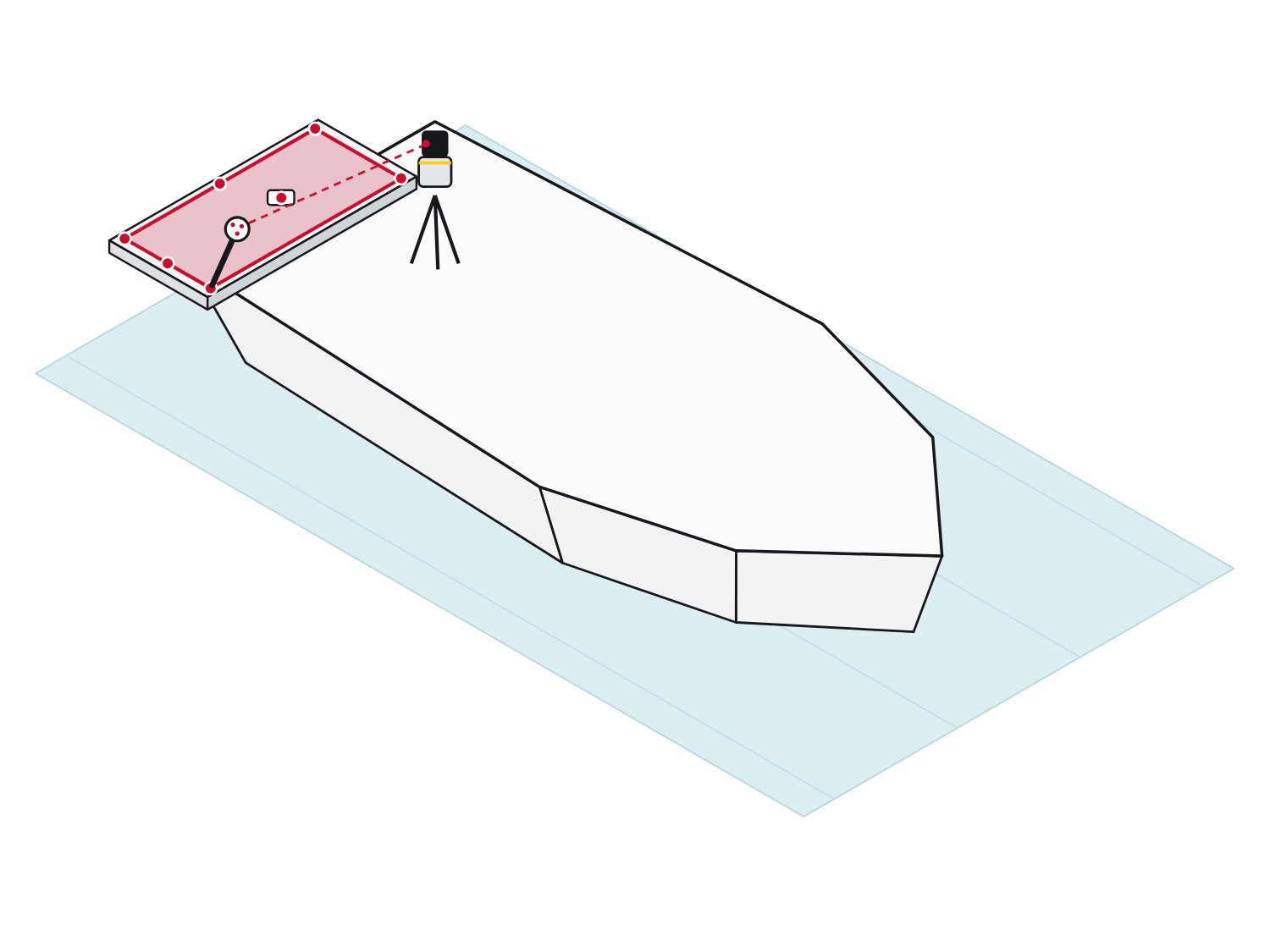
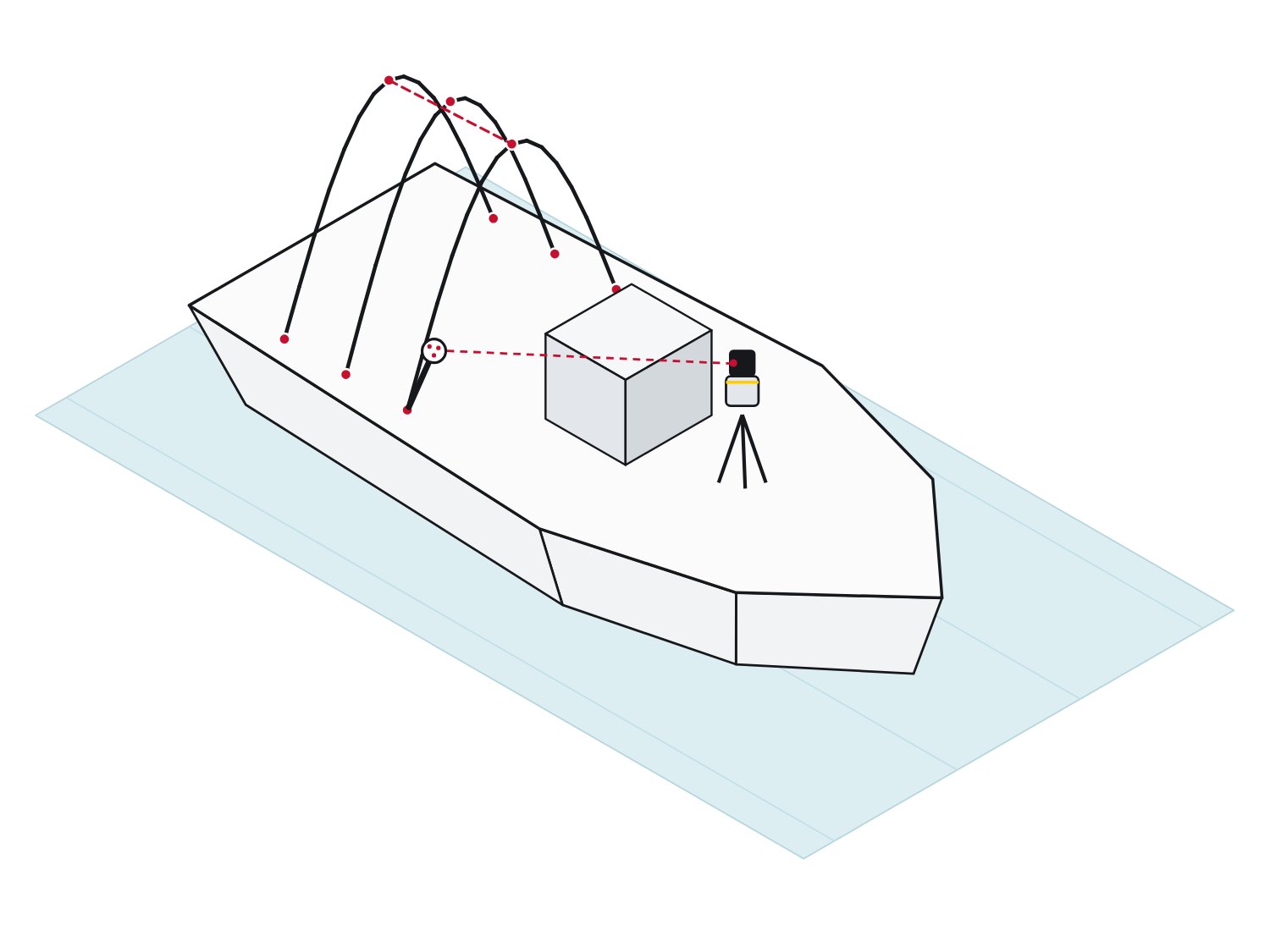
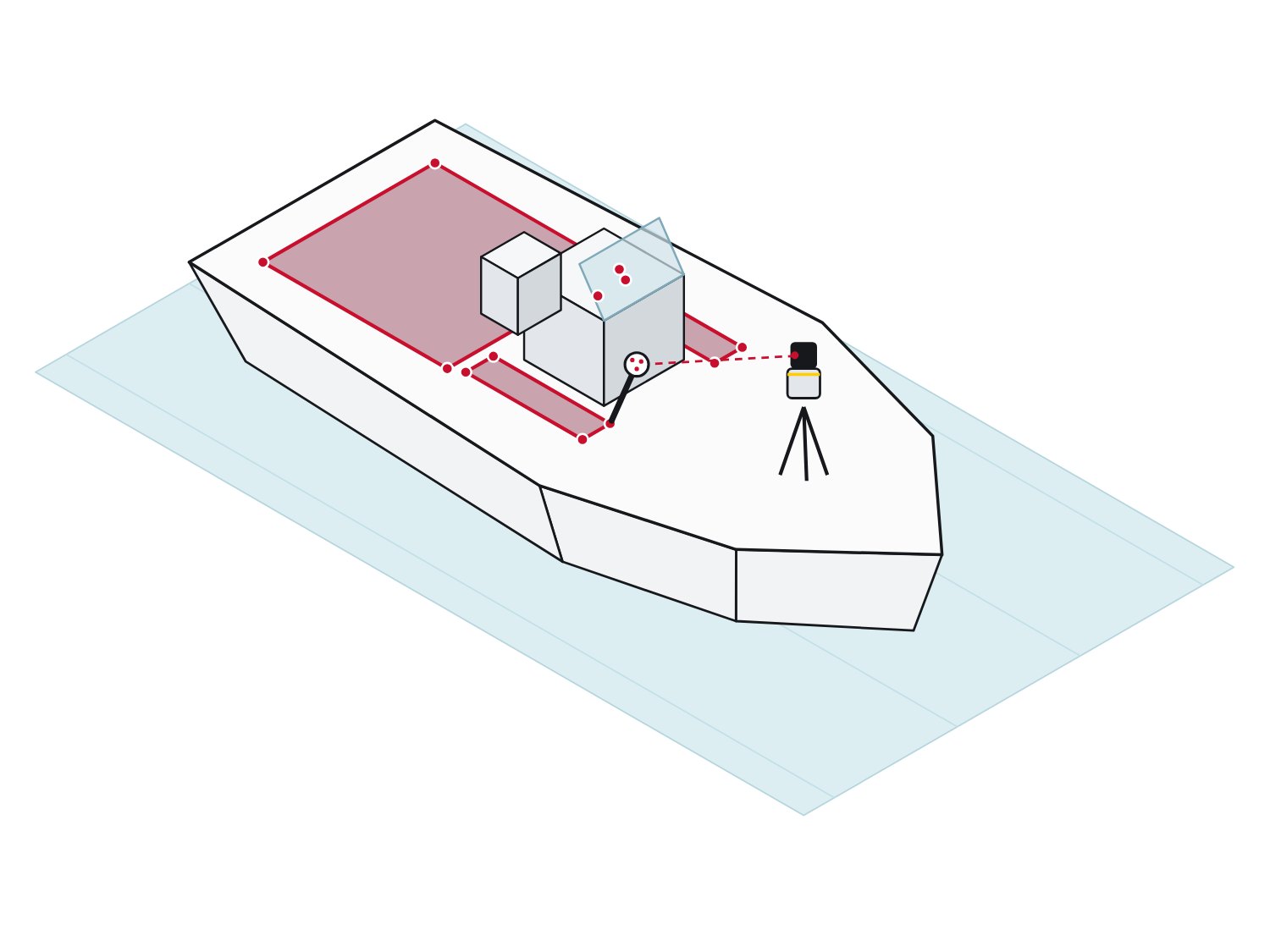
 Step 1
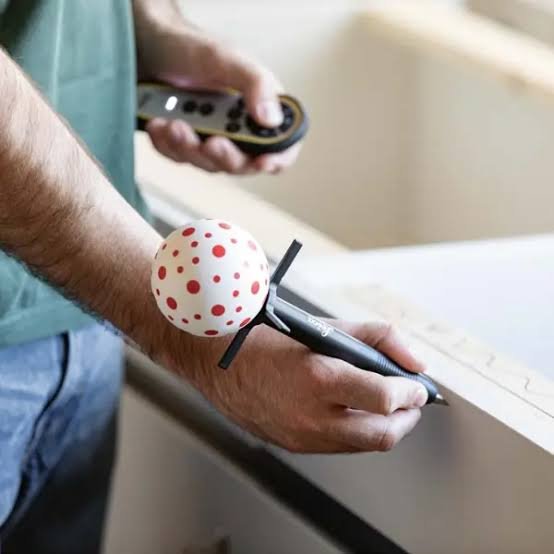 Step 2
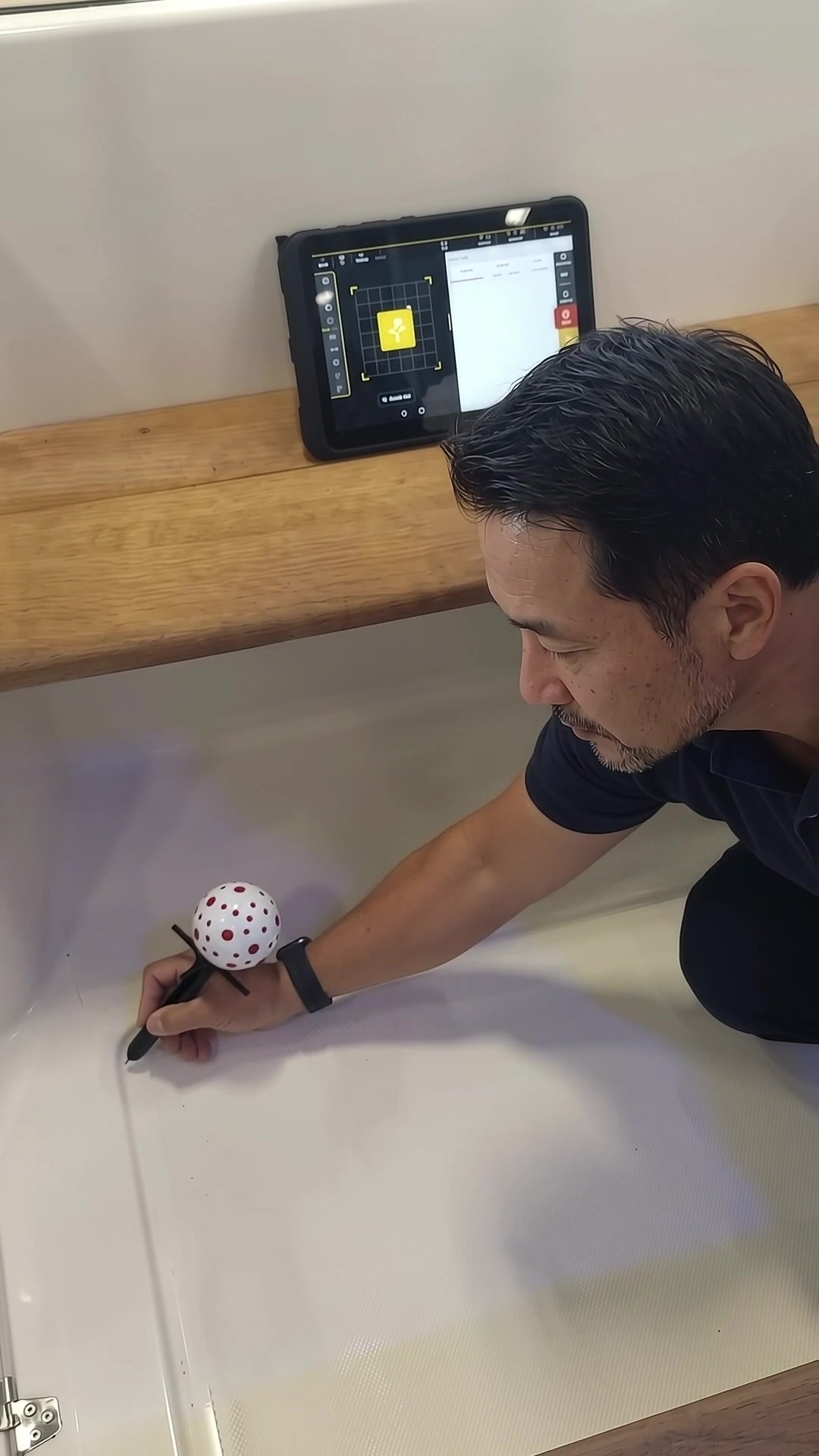 Step 3Step 4
One extension adds 17.7 in (45 cm) to the VPen. Still 2 mm at 33 ft.
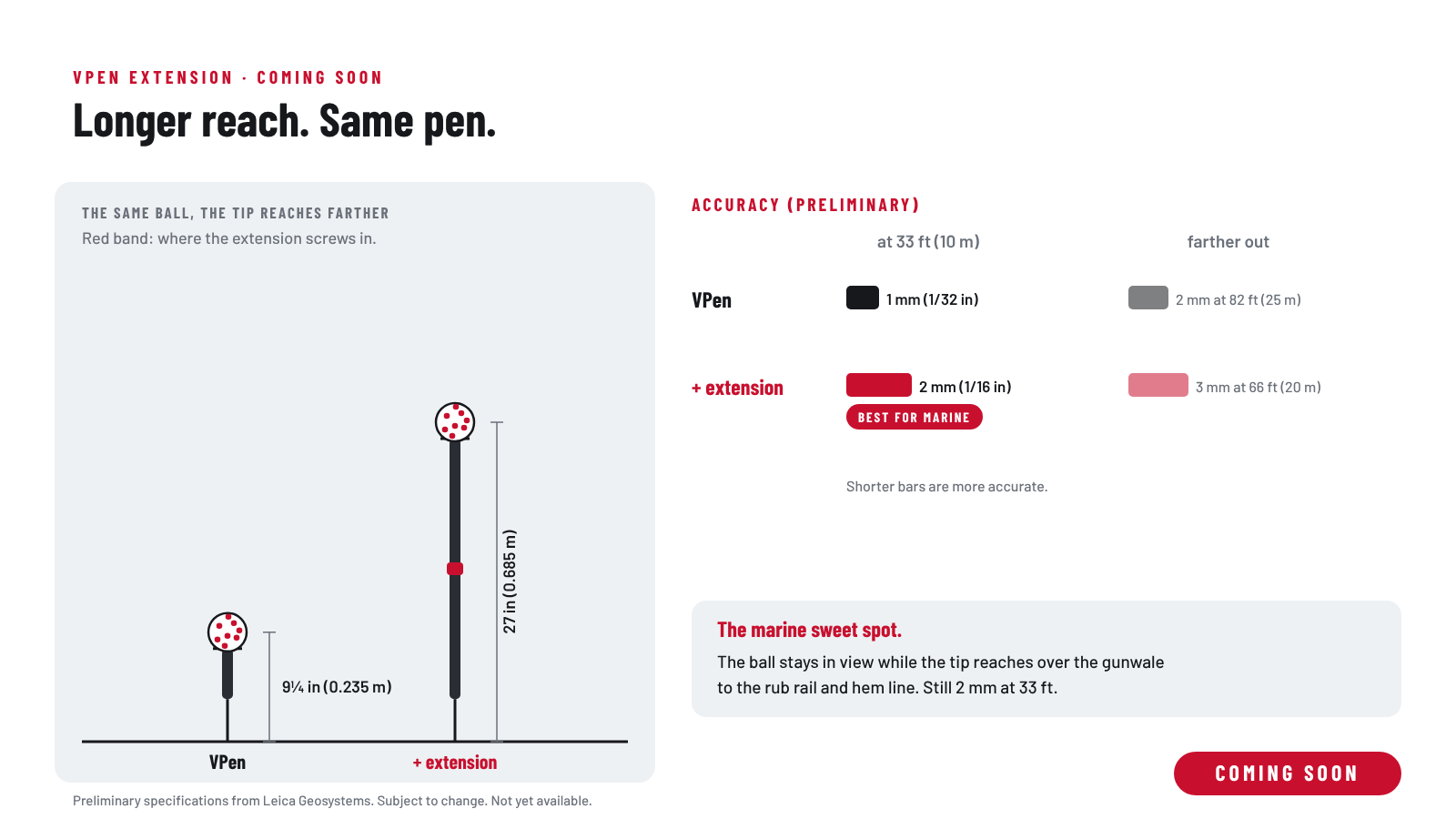
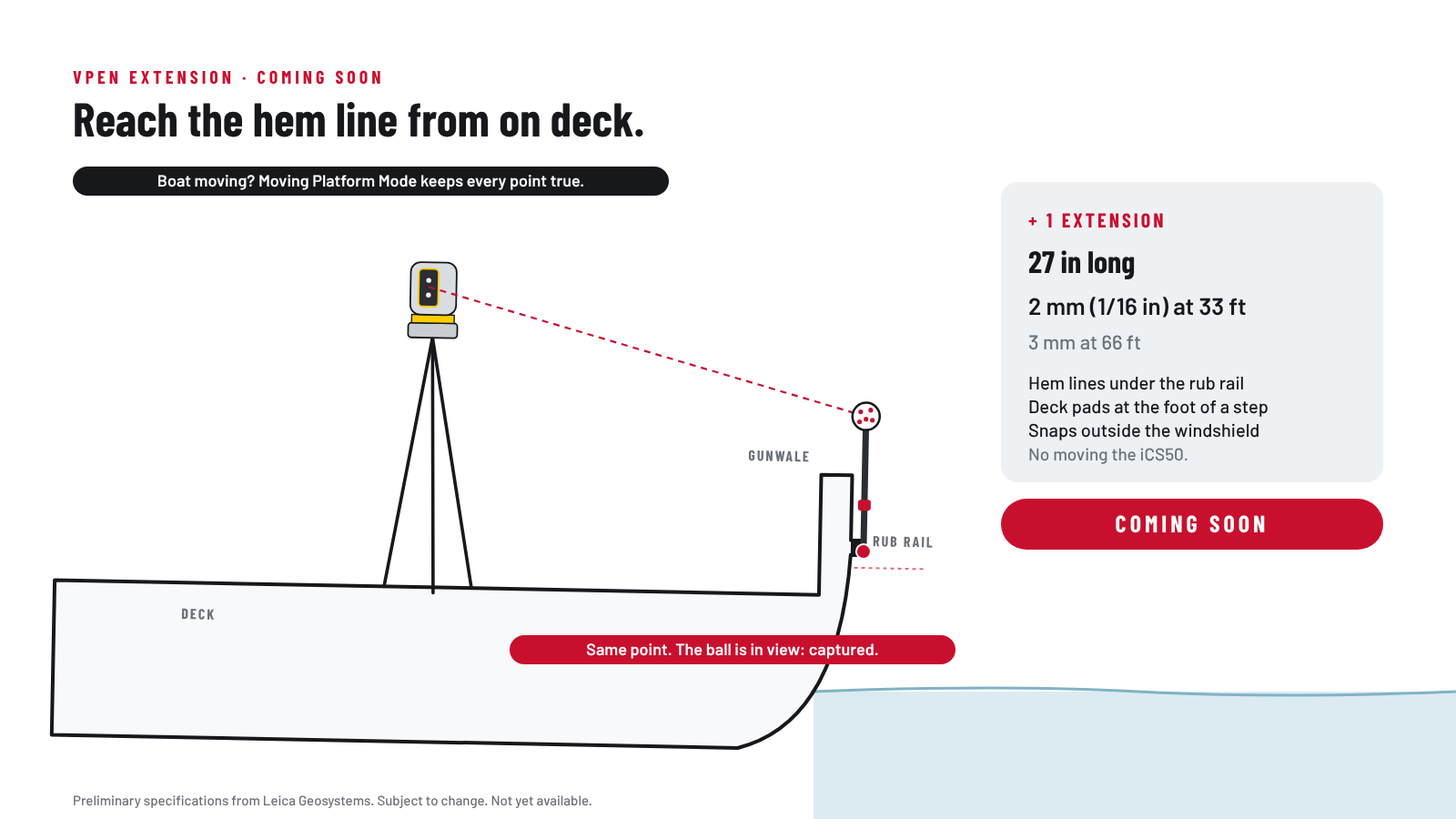
Moving Platform Mode keeps the points true while the boat moves. Straight from the SPEEDtemplate channels.

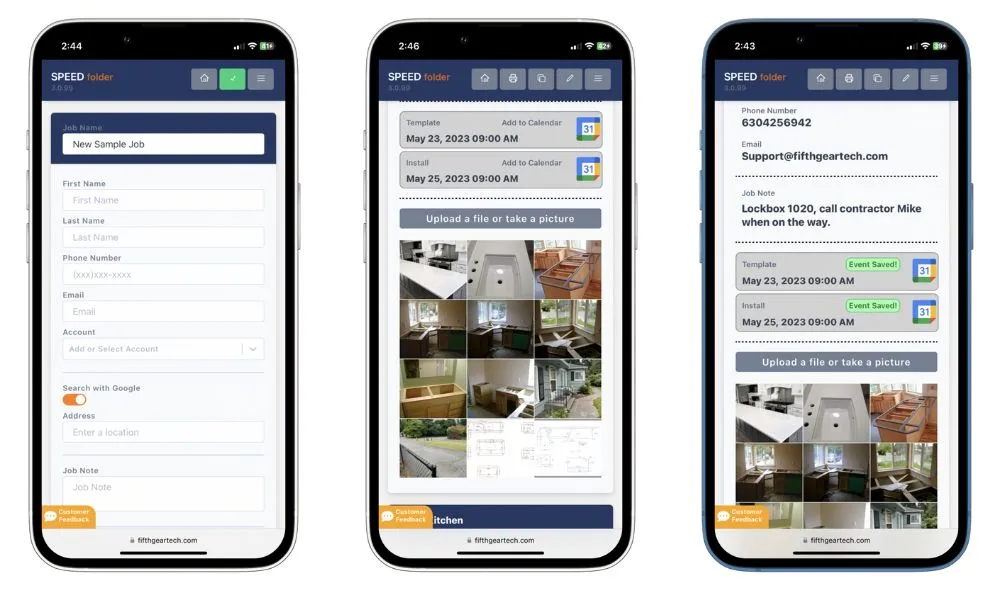
Export in iCON trades, tap Share, pick SPEEDfolder. No emails. No thumb drives. No redrawing.
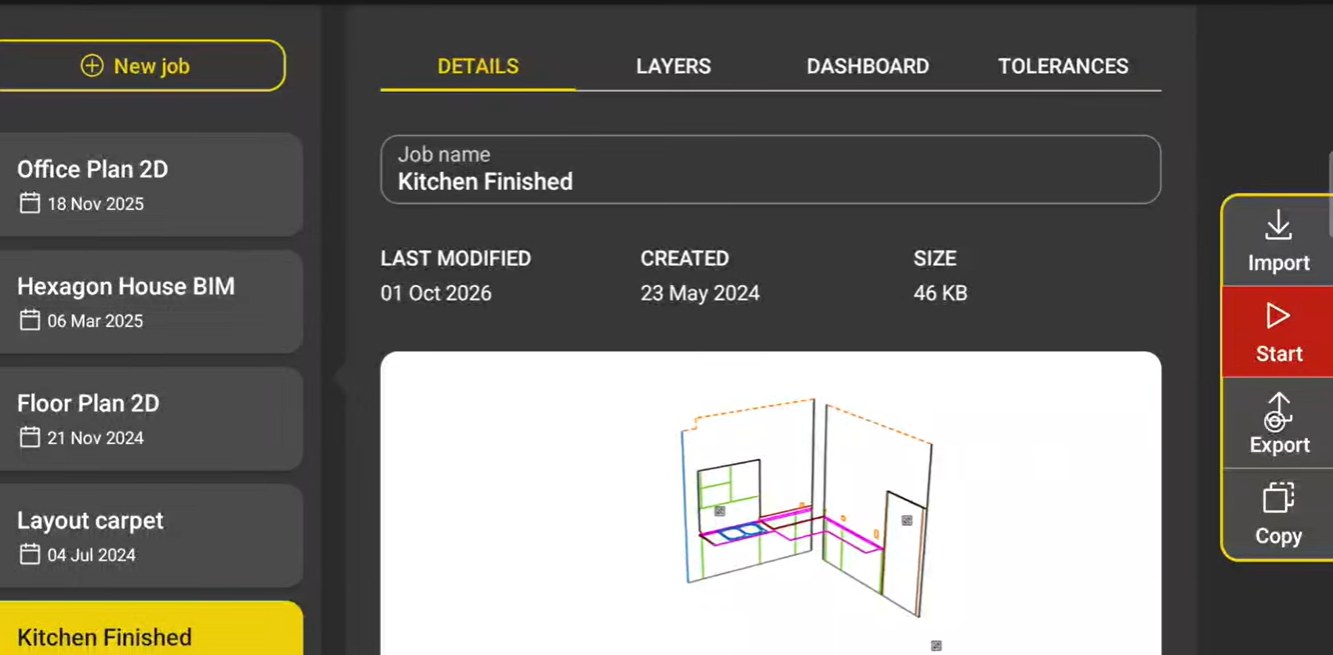
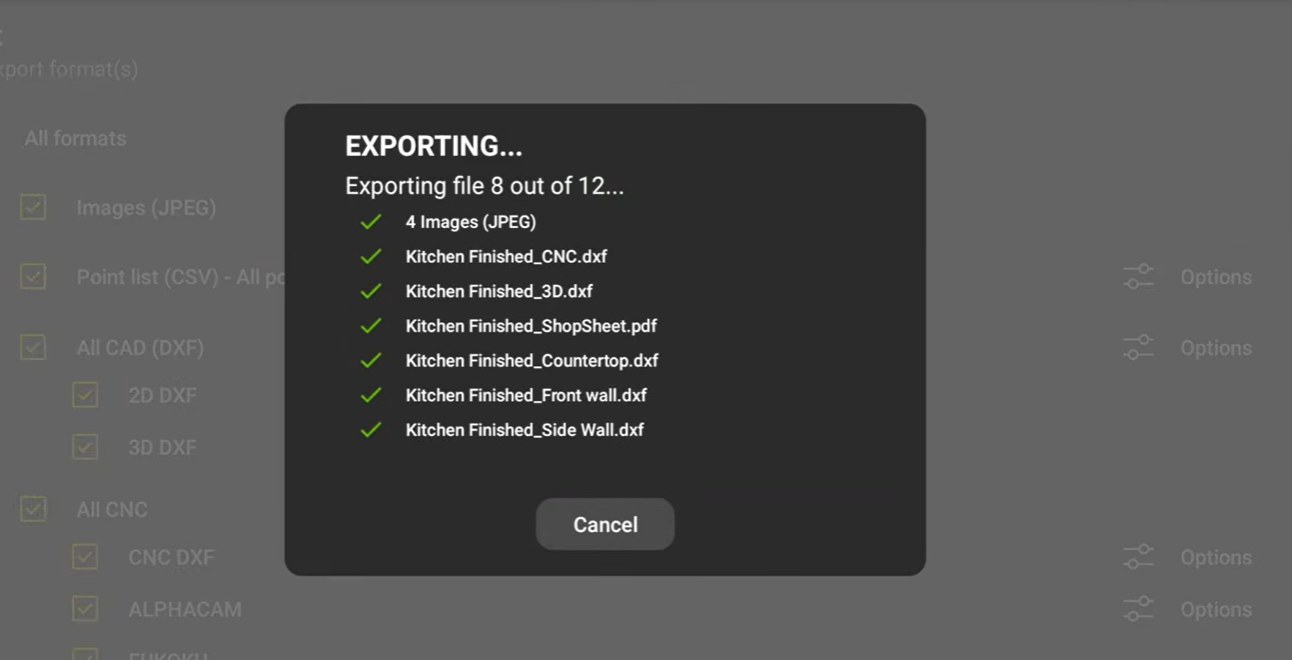
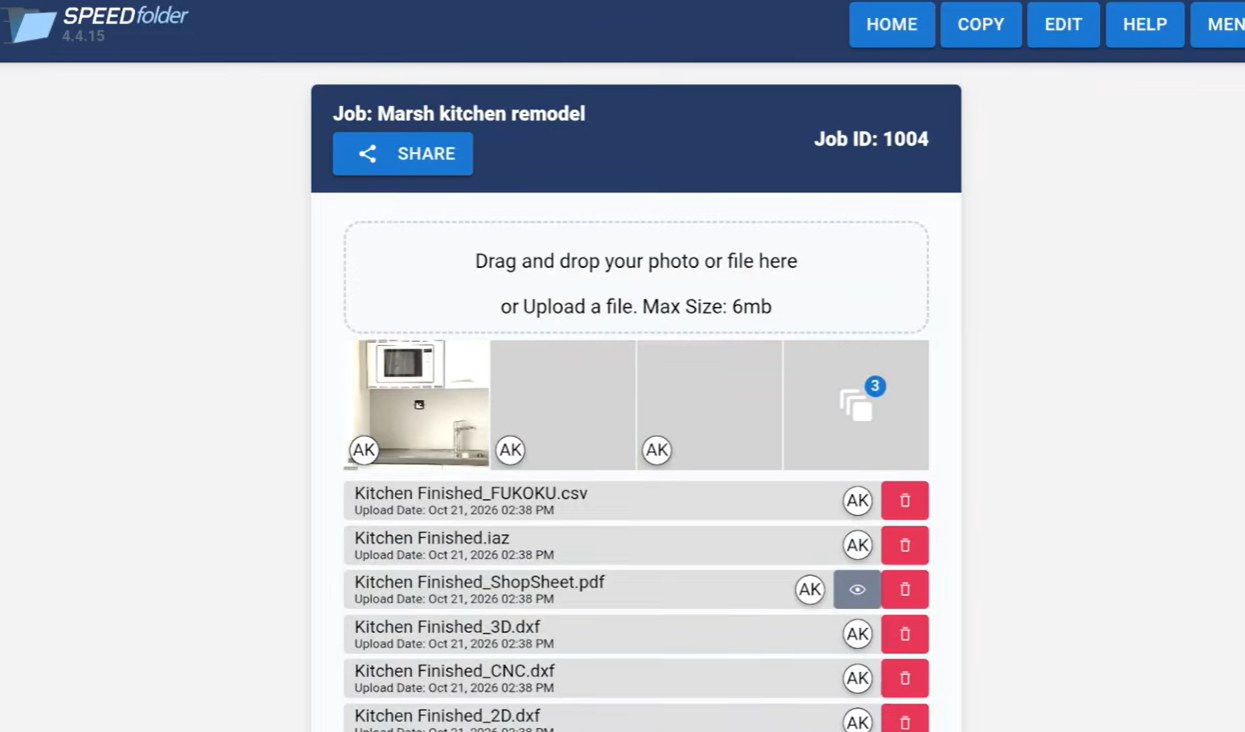
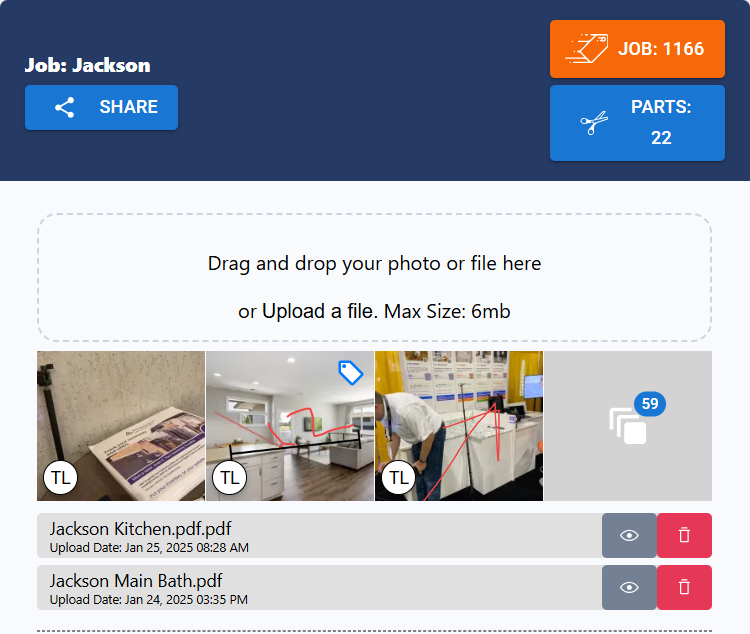
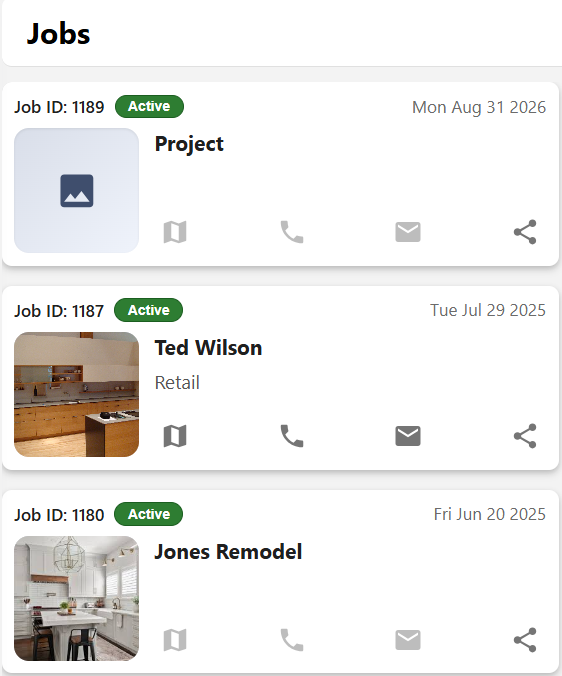
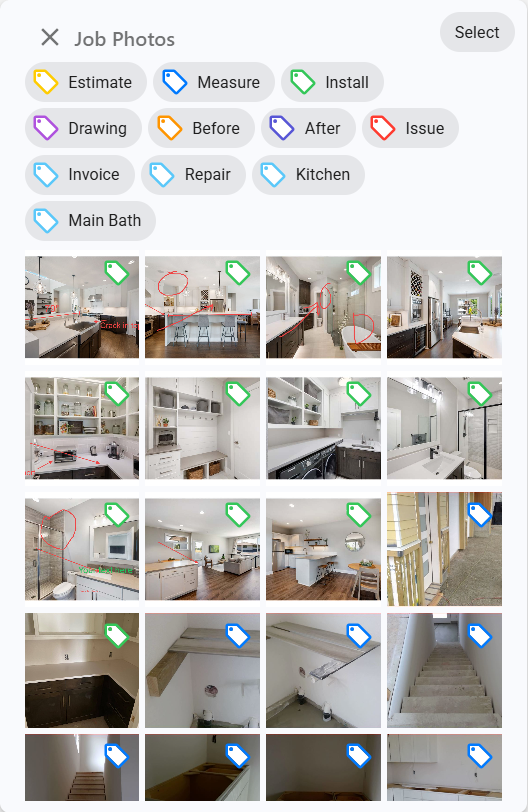
Drawings, photos and sign-off, shared by the field and the office.
“Getting SPEEDfolder is the best thing I have done for my business.”
Where the pen tip goes, working on a moving boat, fittings, seats, canvas frames and export for the cutter. The same guide the templater gets in print.
Yes. Set the iCS50 in the doorway and measure the whole floor around the toilet without moving it. It can also sit right on a hatch, no tripod needed, and on deck the tripod stands tall enough to see over the seats.
Yes. Each level is its own plane in the same drawing, and each still exports as a flat DXF for the cutter.
The VPen ball floats. No batteries, no electronics, nothing to short out.
Yes. The extension is an accessory. Buy the iCS50 now and add the extension when it ships.
No. With the iCS50 on the boat and Moving Platform Mode on, the crew keeps working in rain and wind.
A flat 2D DXF for each deck area, with no 3D to 2D conversion step. A 3D DXF for canvas, plus CNC DXF and a Shop Sheet PDF. CNC DXF, Shop Sheet and Smooth need a Templating licence.
For hull sides the iCS50 stands on the ground beside the boat, on the hard or on the trailer. A long hull may take more than one setup, tied together with control points.
The person who already knows where a pad stops and how canvas fits. The iCS50 is the only new part, and onboarding covers it.
Yes. SPEEDtemplate pairs the tablet, loads the software, tests the iCS50 and charges it before it ships. Open the case and measure.
No. iCON trades runs on Android, so a Samsung Galaxy tablet comes in the case, set up and ready.
Yes. A pointed tip for corners and points, and a rounder tip that glides better when tracing.
The iCS50 alerts the user right away, on the tablet and with a sound, so no point is taken from a moved setup.
The iCS50 alerts the user that it lost the ball, then locks back on as soon as the ball is in view again.
No. The tablet goes with the templater. Clip it to a shoulder strap (a Peak Design camera strap works well, sold separately) and keep the tablet, VPen and remote on you, anywhere on the job.
Yes. Charged overnight, the iCS50 runs a full day of measuring on one charge.
No set schedule. The iCS50 levels itself at every setup, and the crew can run a built-in check any time a reading looks off.
The complete package is $29,800, or from $499 a month financed over 72 months on approved credit. It includes the iCS50, VPen, V-Targets, Samsung tablet, carbon tripod, cases, onboarding and training. iCON trades, SPEEDfolder, SPEEDlabel and SPEEDinventory are included for the first year. After that, the SPEEDtemplate plan covers all four for $150 a month. If it's financed and in use by December 31, ask your accountant about a Section 179 write-off.
A live Zoom demo with an iCS50 specialist. See the iCS50 and iCON trades software in action, and get answers for your shop: decks, consoles, T-tops and enclosures.
Sales, support or just a question about a job. A real person at SPEEDtemplate picks up.
919-676-2244